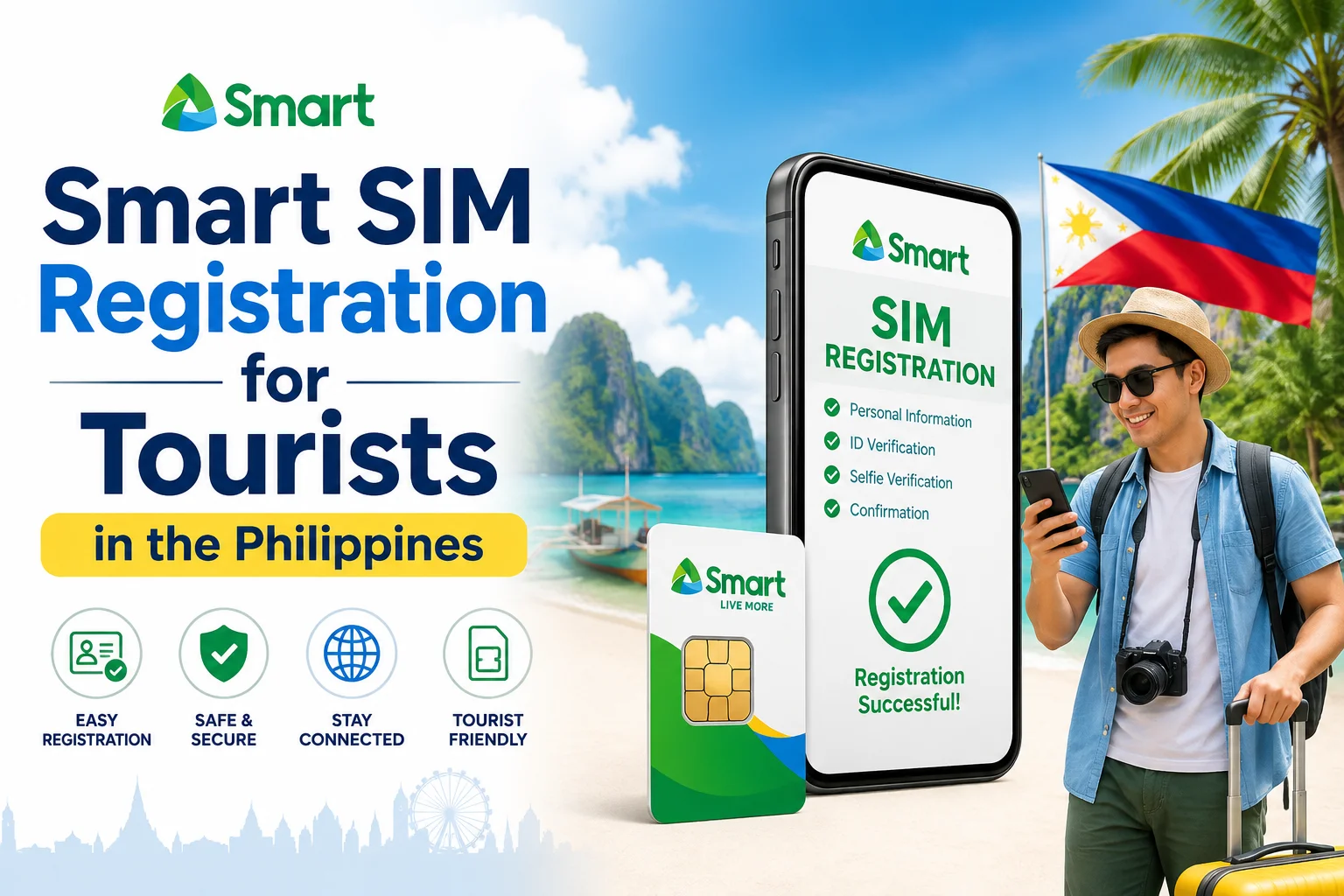
Smart SIM Registration for Tourists in the Philippines
Flying into the Philippines? Before you can use a local number, you must register it under the SIM Registration Act (RA 11934). This applies to every tourist SIM from Smart, Globe, TM, TNT, or DITO. This guide covers why it’s required, what documents you need, the registration steps, validity periods, and where to buy.
Why SIM Registration Is Mandatory
Republic Act No. 11934 was signed into law to curb SIM-based fraud, phishing, and scam texts, which had become widespread in the Philippines. Under the law, telecom operators are required to sell SIM cards in a deactivated state, and every user, Filipino citizen or foreign visitor, must complete identity verification (eKYC) before the SIM connects to any network. The rules are jointly enforced by the National Telecommunications Commission (NTC) and the Department of Information and Communications Technology (DICT).
This isn’t a carrier-specific formality. It applies to Smart, TNT, Globe, TM, and DITO alike, and it applies to eSIMs as well as physical SIM cards. Registration data is stored in each carrier’s SIM register and is protected under the Data Privacy Act of 2012 (RA 10173). Carriers cannot use it for marketing without consent or hand it to law enforcement without a court order.
Documents You’ll Need
The registration process for foreign tourists is separate from the process for residents or long-term visa holders. As a tourist, have these ready — ideally as both physical copies and photos on your phone:
Having these details ready in advance is the single biggest thing you can do to avoid registration delays or rejections.
Step-by-Step: How to Register Your Smart SIM
Smart offers registration through its official web portal (simreg.smart.com.ph) or the Smart App. Both routes follow the same underlying process:
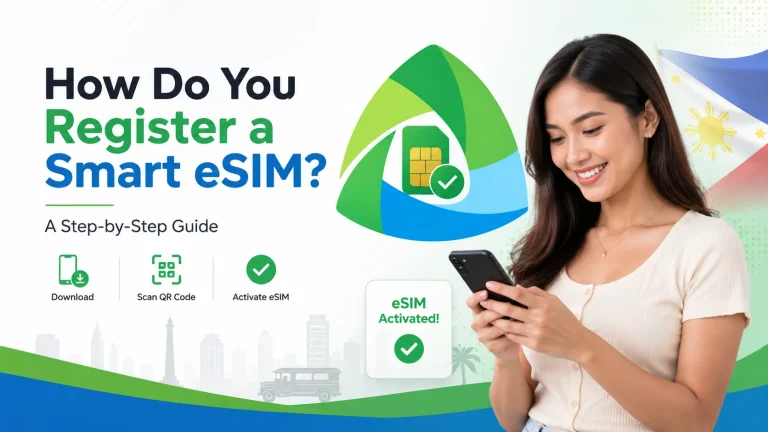
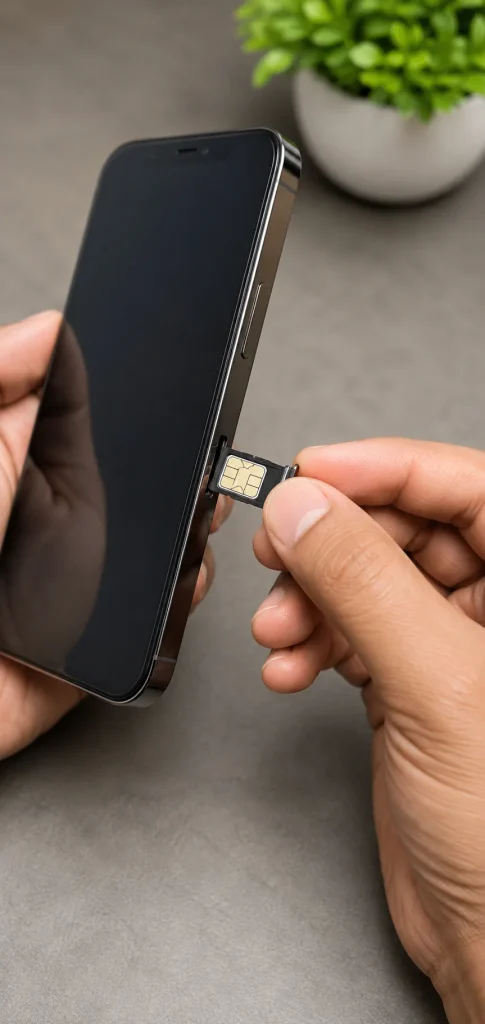
- Insert the SIM into your phone. Note: If you’re using an eSIM, your device must be fully carrier-unlocked. SIM-locked phones from the US, Japan, or parts of Europe often cannot install a Philippine eSIM profile.
- Go to the registration portal and sign up using your new smart mobile number. Accept the terms and conditions.
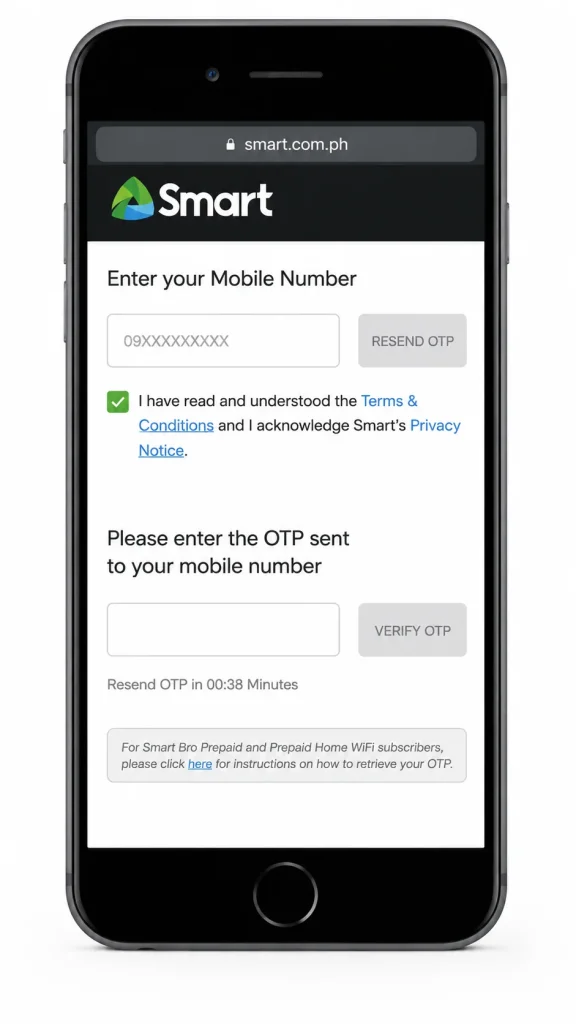
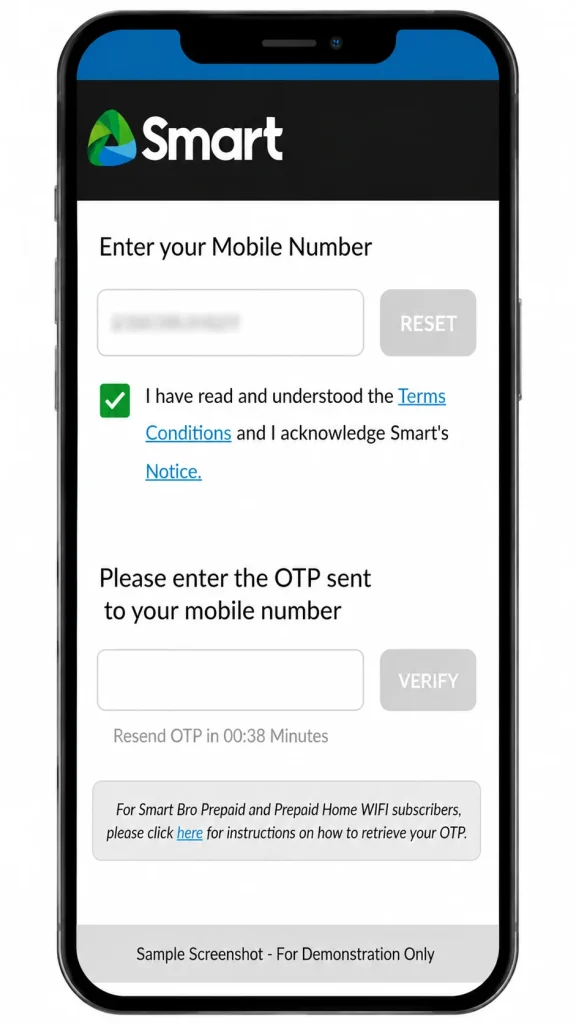
- Verify with OTP. You’ll receive a one-time code by SMS to confirm the number is active on your device.
- Enter your personal details: Full name, date of birth, nationality, and passport number exactly as they appear on your passport.
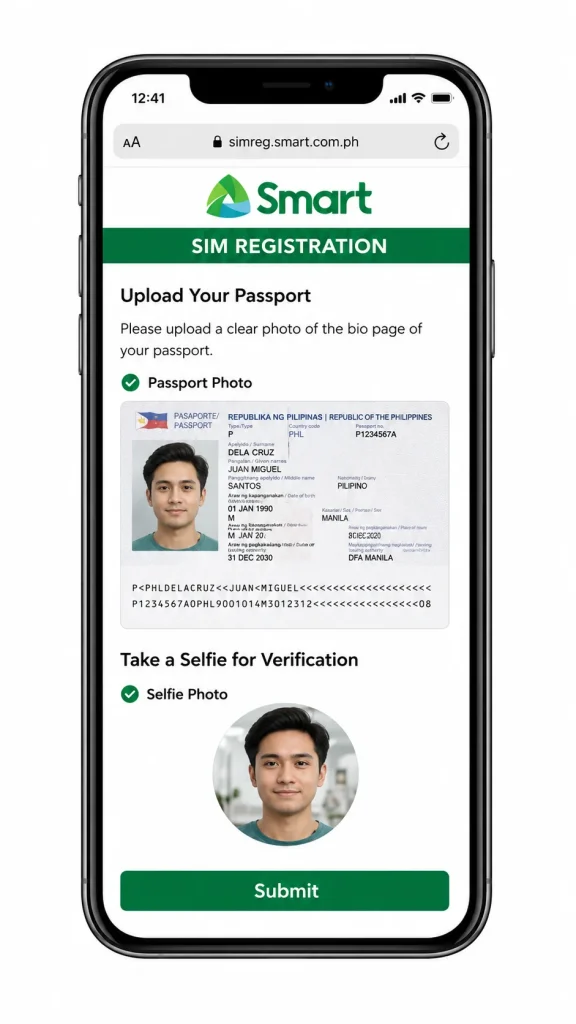
- Upload your documents: A clear photo of your passport’s bio page, plus a selfie for identity verification.
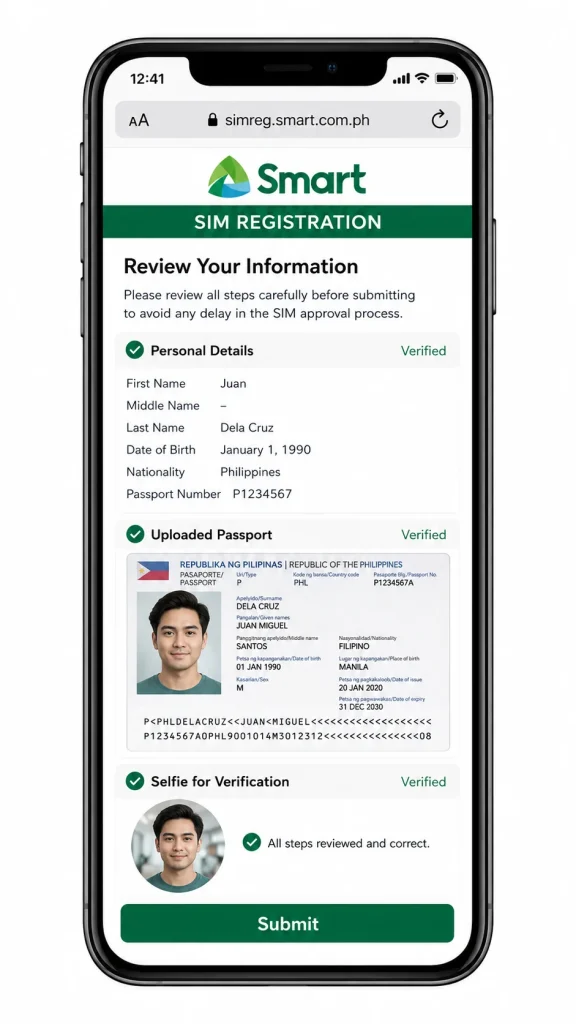
- Review everything before submitting. Mismatched spelling between your passport and the form is the most common cause of rejected applications.
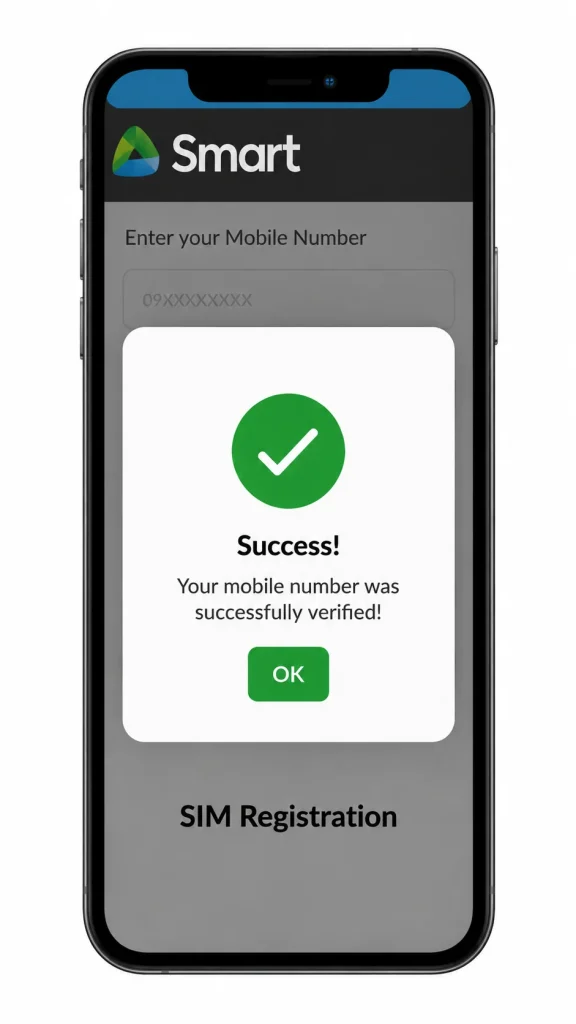
- Submit and wait for confirmation. Most tourist registrations are approved within 5–10 minutes if the connection is stable and documents are legible, though verification can occasionally take up to 24 hours during high-traffic periods.
Once approved, you’ll get a confirmation SMS, and your SIM will be fully active for calls, texts, and data.
How Long Does a Tourist SIM Stay Valid?
This is where sources genuinely differ, so it’s worth being precise: tourist SIM validity is typically tied to your visa or declared length of stay, and carriers commonly cap it around 30 days from registration, though some promotional plans extend up to 90 days. If you extend your visa or decide to stay longer, you’ll need to update your registration with proof of the extension (such as an updated visa or Bureau of Immigration document) before your SIM’s validity period runs out; otherwise, it will be deactivated and the number may eventually be recycled.
Practical tip: don’t wait until the last day of your registered validity to sort this out. Carriers generally allow a short grace period (a matter of days) before a number is permanently reassigned, and there’s no guarantee of recovering it once that window closes.
Comparing the Major Providers
| Provider | Strengths |
|---|---|
| Smart / TNT | Widest nationwide coverage; strong data packages; unified registration system with TNT |
| Globe / TM | Broad coverage in tourist hubs; TM is Globe’s budget prepaid brand |
| DITO | Competitive data pricing and expanding network, though coverage can be patchier outside cities |
For most first-time visitors sticking to major cities, airports, and popular island destinations (Manila, Cebu, Palawan, and Boracay), Smart and Globe tend to offer the most consistent signal.
Where Can Tourists Buy a Smart SIM?
Smart SIMs are widely available across the Philippines, so you won’t have trouble finding one soon after you land. Common places to buy include:
Tip: Buying at the airport lets you register and activate your SIM before you even leave the terminal, so you’re connected from the moment you step outside.
Benefits of Registering as a Tourist
Beyond simply staying connected, registering your Smart SIM often unlocks perks specifically for new users:
FAQs About Smart SIM Registration for Tourists
Conclusion
Registering your Smart SIM as a tourist in the Philippines is quick, mandatory, and easy to prepare for. Bring your passport, visa details, proof of accommodation, and return ticket, then register through the smart app or official portal. Do this early and track your validity period, and you’ll stay connected worry-free throughout your trip.