Free ID Photo Compressor: Get Your Valid ID Under 2MB in Seconds
Free ID Photo Compressor: Get Your Valid ID Under 2MB in Seconds Many users encounter the “File size too large” error when trying to register their SIM. Photos taken with modern smartphone cameras can often be between 4MB and 8MB, while the Smart official upload limit is only 2MB.
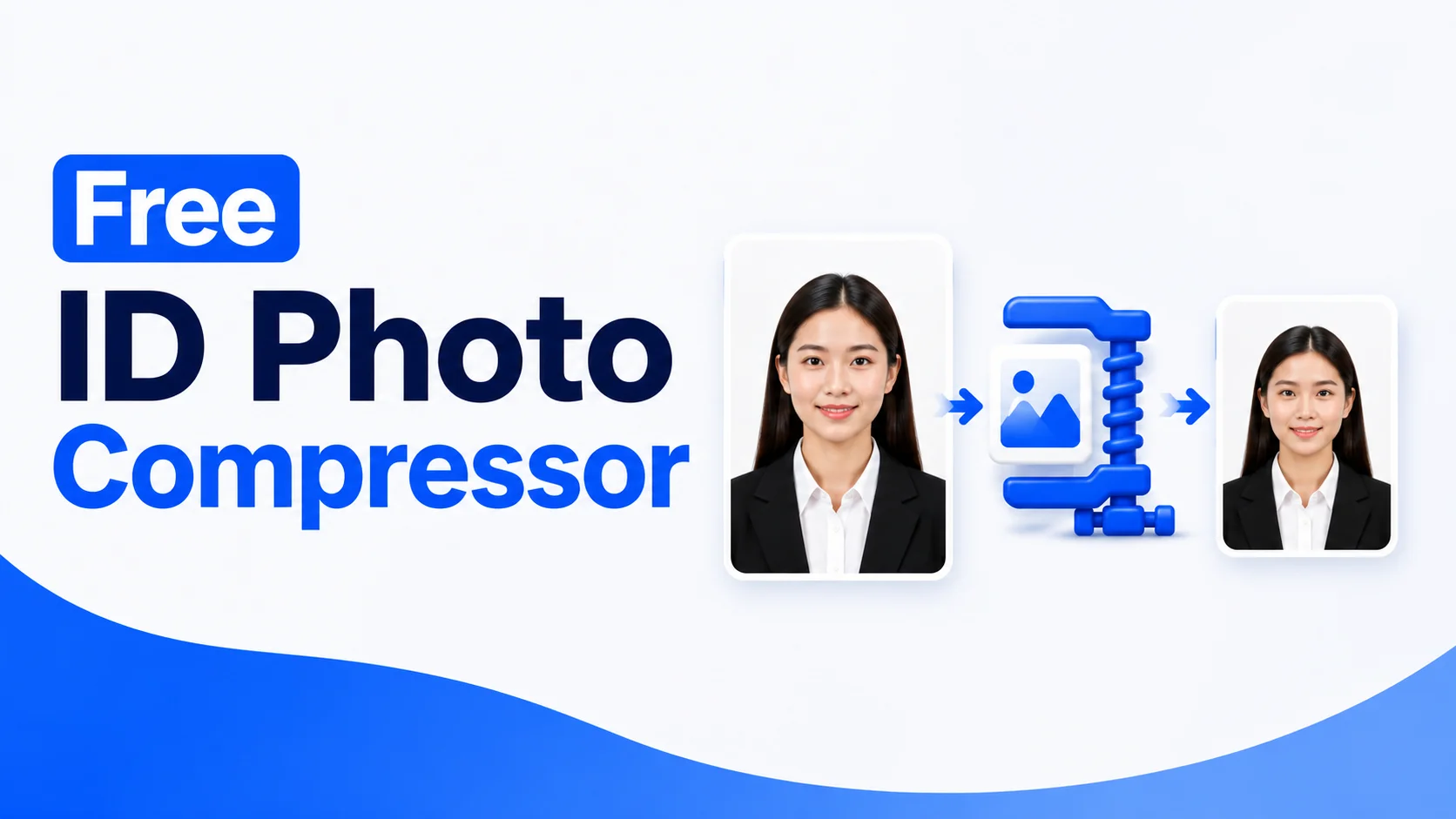
The solution is simple: use the ID photo compressor below to resize and compress your ID photo within seconds. There is no need to install an app or upload your photo to an external server. The entire process takes place directly inside your browser, making it fast and private.
Compress your ID photo to meet the 2MB upload limit. Everything is processed directly in your browser.
Why This Tool Works
100% Private
Your photo is not uploaded to a server. The entire compression process happens directly on your phone or computer, so your image stays on your device.
Instant Results
There is no waiting time. Select your photo, and the compressed version can be prepared within a few seconds.
Works on Any Device
You can use the tool on a mobile phone, tablet, or laptop. No app installation is required; simply open it in a browser.
Having Trouble With SIM Registration?
Frequently Asked Questions
Conclusion
A properly compressed ID photo can make SIM registration faster and easier by helping you meet the required upload size. With this free ID photo compressor, you can quickly resize and optimise your image directly in your browser. Your photo stays private, and no app installation or external upload is required